Local-first
Your AI memory, on your machine
Never lose a
conversation again.
ContextVolt captures, summarizes, and searches every chat across six AI tools — then hands you a prompt to continue right where you left off. 100% local.
Windows · macOS · Linux — free & open source (MIT)
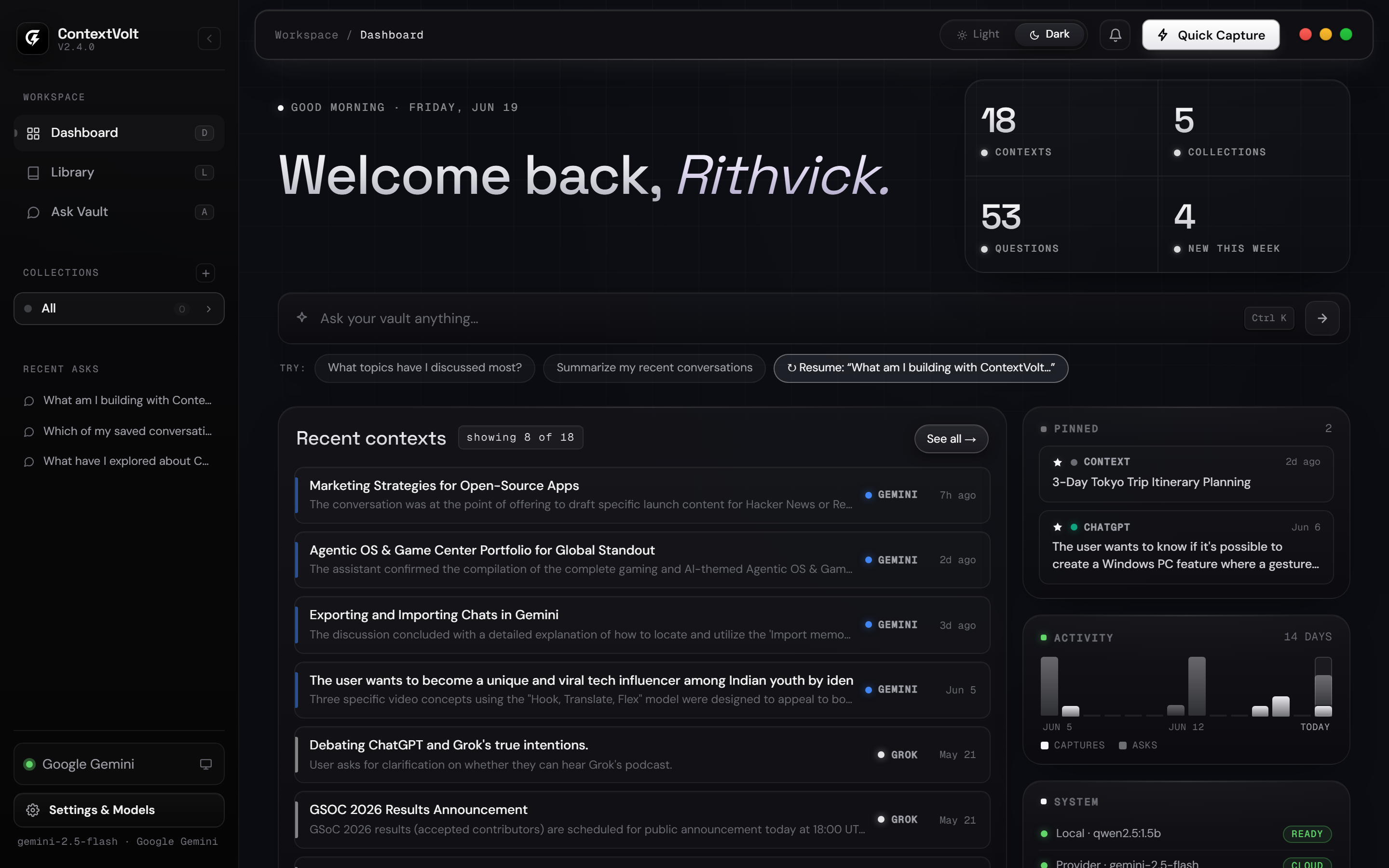
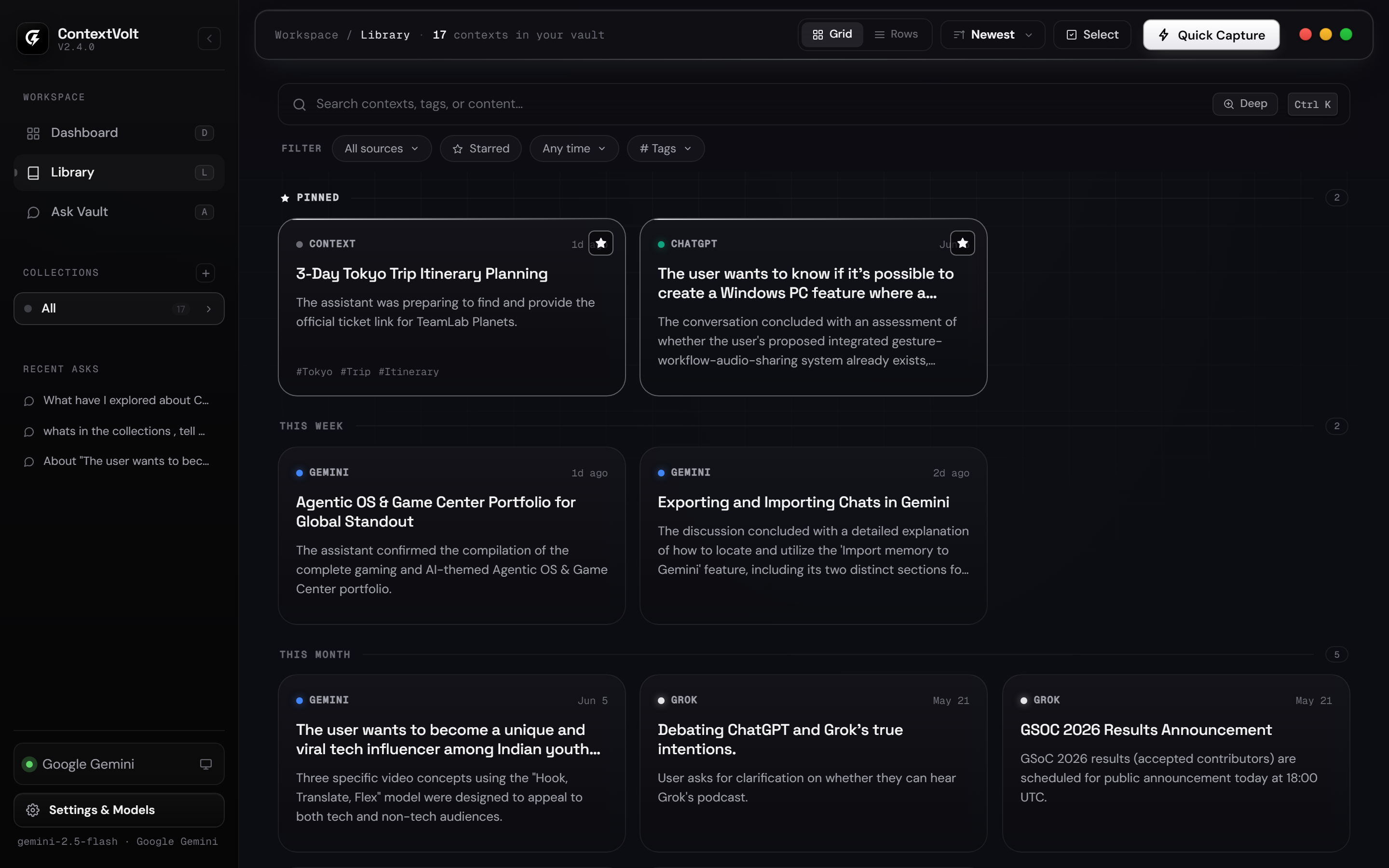
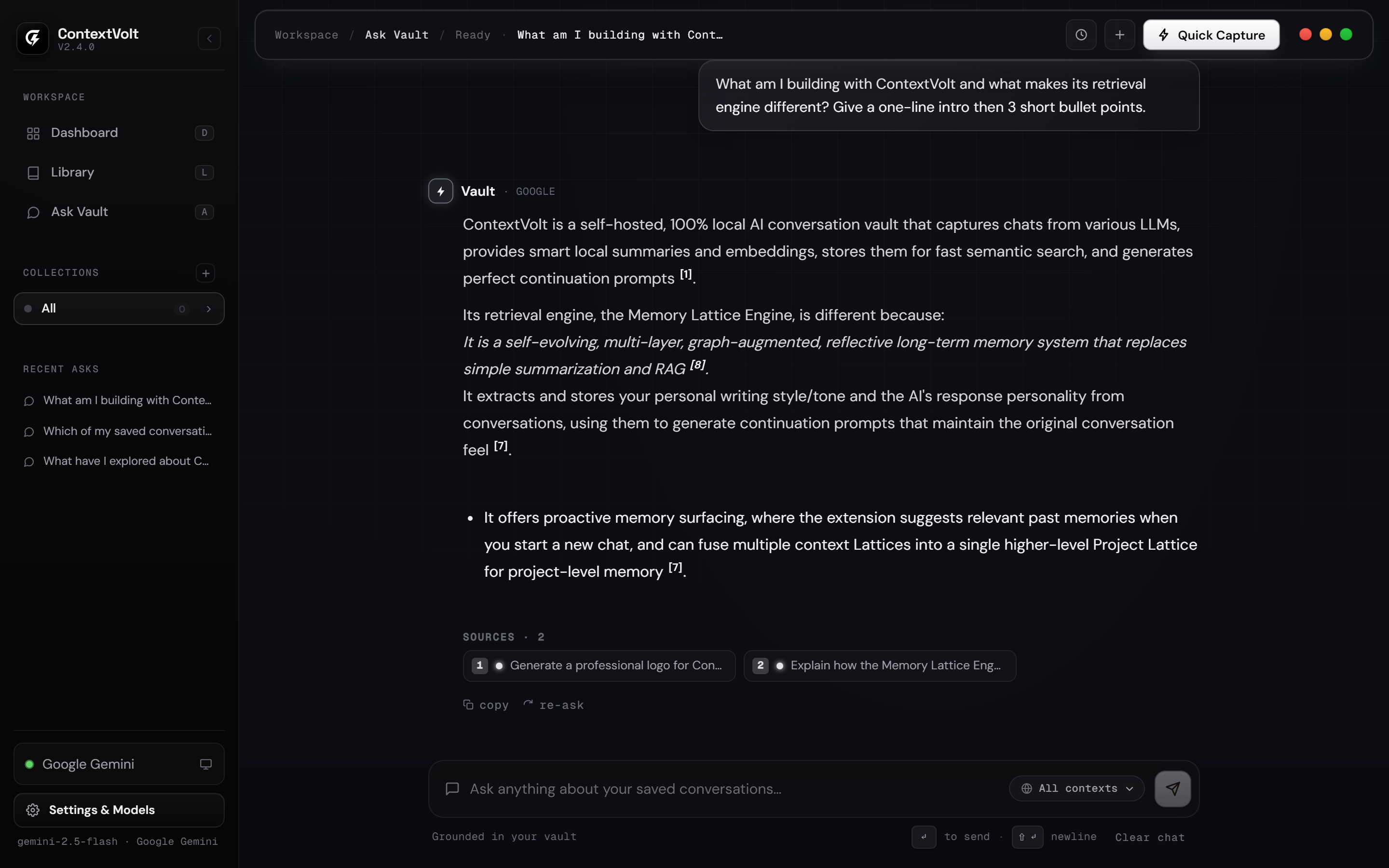
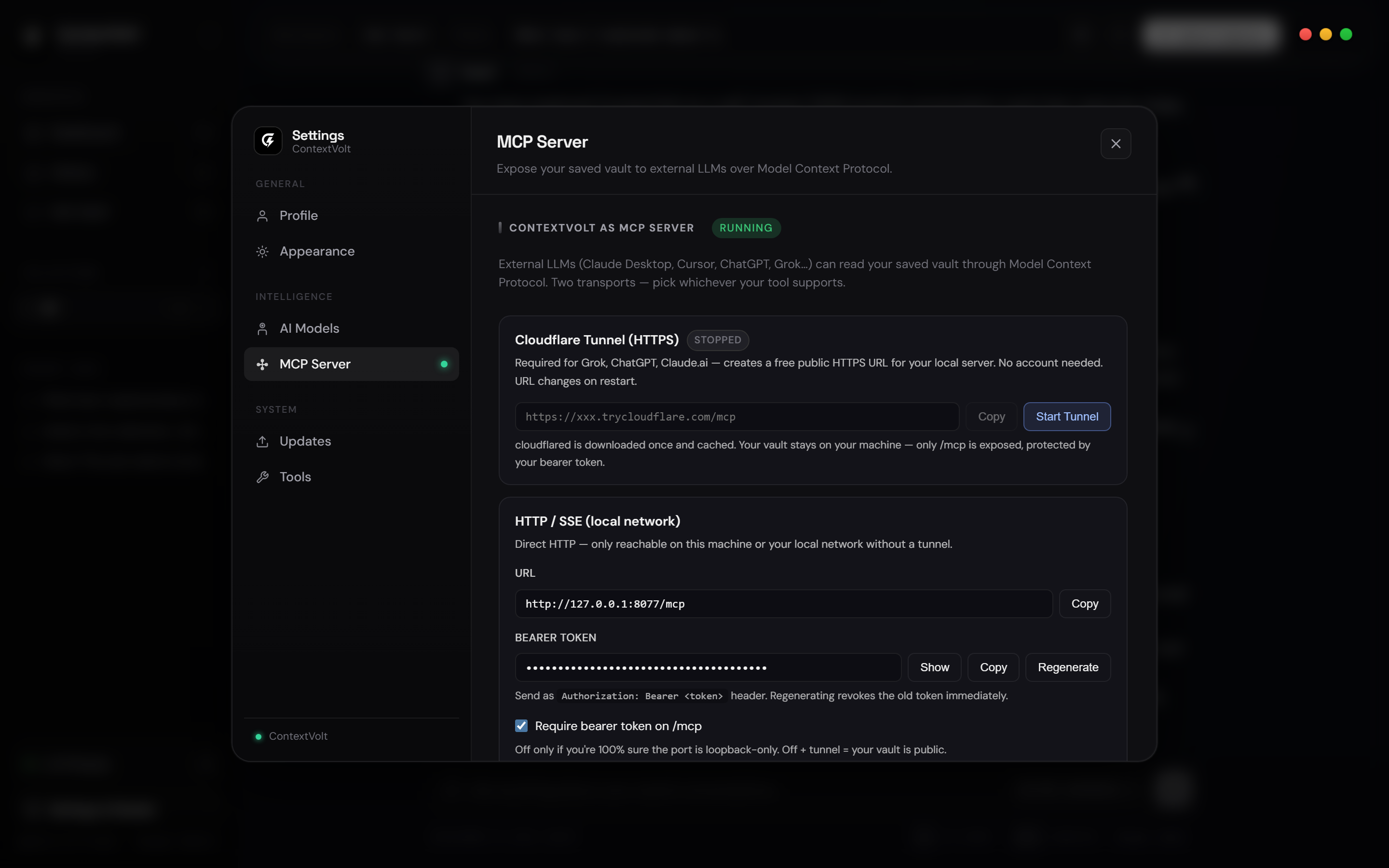
Captures every conversation from
See it in action
Watch the full walkthrough.
A one-minute tour — capture a conversation, organize your vault, and continue the thread anywhere.
The workflow
Capture once. Recall forever.
Browser extension
Capture in one click, from the tab you’re in.
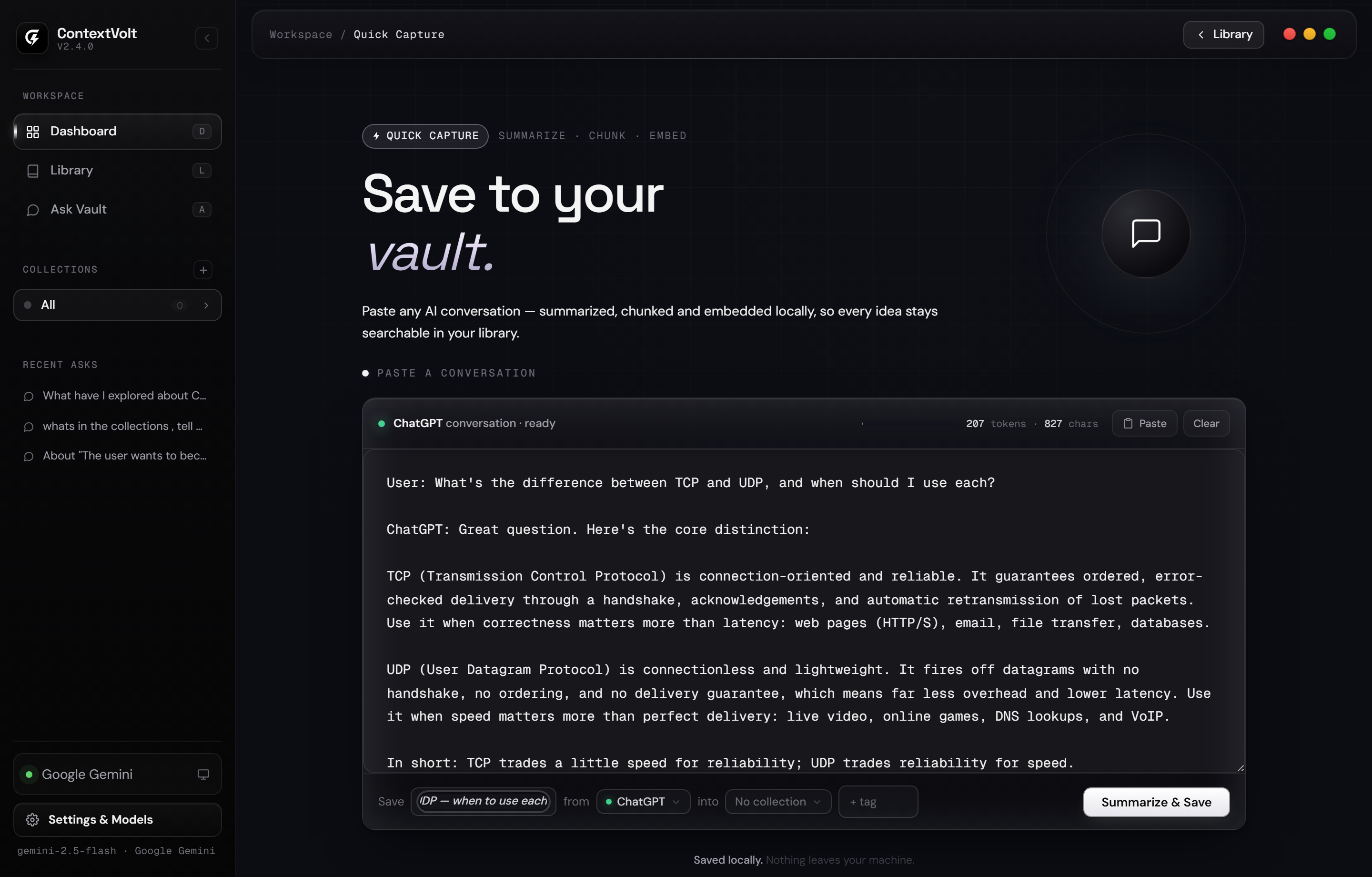
A single floating button rides along on every supported AI site — send the live conversation straight to your local vault, or pull a saved context back into the chat to keep going.
Saved to vault
◍ChatGPT
RHow should I market my open-source app at launch?
◍Lead developer-first: build in public on X / LinkedIn, ship modular repo parts, then launch on Product Hunt and Hacker News with a few targeted subreddits.
RGreat — I’ll continue this later in another tab.
✦Gemini
Hello, Rithvick
Start a new conversation
Draft a launch planSummarize a paperWrite code
 ContextVolt✕
Search…
SML
↳ Narrow retrieval optional
ChatGPTjust now
Marketing Strategies for Open-Source Apps
Build in public on X / LinkedIn
Launch on Product Hunt & Hacker News
Message ChatGPT
Capture from one AI — continue in another
Send to vaultExtracts & summarizes the full thread on-device
Import from vaultDrops a continuation prompt into the chat box
Star answersFlag the important ones without leaving the page
ChatGPT
Claude
Gemini
Grok
DeepSeek
Perplexity
Copilot
The payoff
Pick up exactly where you stopped.
Every saved context becomes a structured brief — then a one-click continuation prompt that drops you back into the thread on any model.
Key ideas, open questions & conclusions
Inline [n] citations back to the source
Three lengths, tuned to the next model
Capabilities
Everything you need to own your AI memory.
One-click capture
Grab the full conversation from six AI tools with a single toolbar button — auto-discovers the running app, no setup, no copy-paste.
6
AI tools captured
100%
local embeddings
Local summarization
Ollama + Qwen out of the box, or route through OpenAI, Anthropic or Google.
Hybrid search
Vector, BM25 keyword and entity indexes fused so nothing slips through.
0
cloud calls required
Continuation prompts
Turn any saved chat into a structured prompt that resumes it elsewhere.
Read-only MCP server
Expose your vault to Claude, Cursor and any MCP host over stdio or a secure tunnel — read-only, so agents can search but never modify.
Export & backup
Download any context as Markdown, or back up and restore the entire vault.
MIT
open source
Install
Running in minutes.
Clone, run, done. Ollama and a local model are fetched automatically on first launch — no API keys, no config.
git clone https://github.com/Rithvickkr/ContextVolt.git
cd ContextVolt
start.bat
What happens on first run
1
Local model auto-setup
Fetches Ollama and pulls a small on-device model (Qwen) — nothing to configure.
2
App boots on localhost
ContextVolt opens in your browser, served entirely from your own machine.
3
Load the extension
Pin the ContextVolt button to any AI tab and start capturing into your vault.
Windows · macOS (Apple Silicon) · Linux — ~4 GB free for the local model
Download ContextVolt
Free · MIT · v2.6.1
On Linux or Intel Mac? One-line install →